
Understanding Cloud Backup
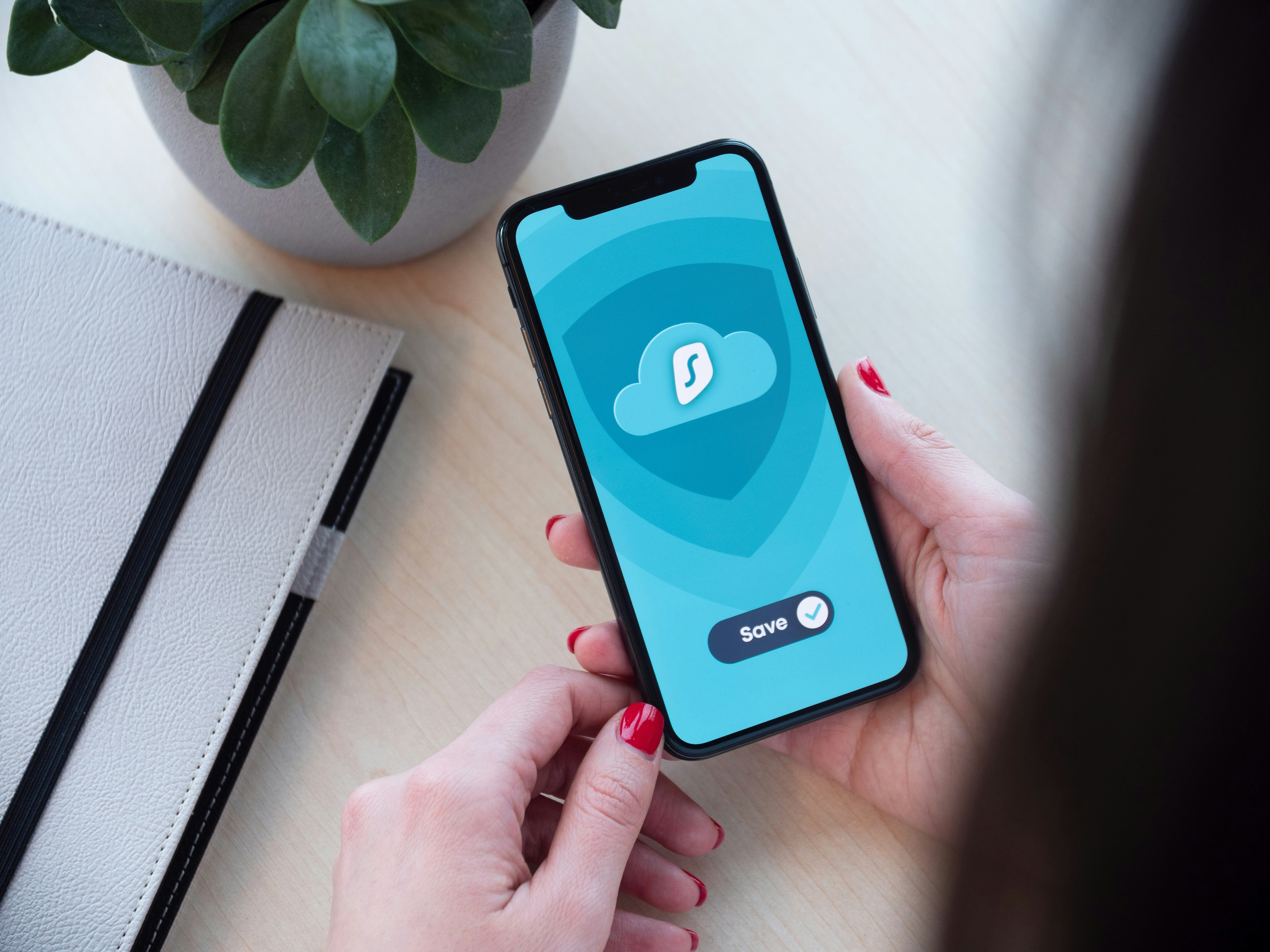
Cloud backup refers to the storage of data on remote servers, which can be accessed via the internet. Unlike traditional local storage solutions, such as hard drives or USB sticks, cloud backup provides an online platform for safeguarding files. The process typically involves uploading data from devices such as smartphones to a cloud service provider’s server, allowing users to retrieve their information from any location with an internet connection.
One of the primary benefits of using cloud backup for smartphones is enhanced data security. Information stored in the cloud is often encrypted, providing a higher level of protection against data loss due to theft, device failure, or natural disasters. Additionally, most cloud services regularly update their security measures to guard against cyber threats, ensuring a secure backup environment.
Accessibility is another significant advantage of cloud backup. By utilizing cloud storage, users can access their files from any compatible device, whether it be a smartphone, tablet, or computer. This flexibility ensures that important documents, photos, and other data are readily available whenever needed, making cloud backup an efficient solution for both personal and professional use.
Moreover, the ease of use associated with cloud backup is worth noting. Many cloud services provide automated backup options, allowing smartphones to sync data without manual intervention. This feature saves time and alleviates the risk of forgetting to back up important files. Users can customize backup settings according to their preferences, ensuring that data is consistently and reliably protected.
In contrast to local storage, which confines data to a single device, cloud storage offers scalability and convenience. While local storage may be suitable for immediate access, it lacks the comprehensive safety net provided by cloud backup solutions. Overall, understanding the fundamentals of cloud backup is crucial for smartphone users seeking to enhance data security, accessibility, and ease of use.
Top Features to Look for in Cloud Backup Apps
When selecting a cloud backup app for smartphones, it is important to consider several key features that directly impact the efficacy and usability of the service. One of the primary aspects to evaluate is the storage capacity. Depending on the amount of data an individual needs to back up, apps vary in storage limits and pricing models. Users should look for options that not only provide sufficient free storage but also offer reasonable subscription plans for larger capacities.
Another critical feature to consider is the encryption methods used by the cloud backup app. Data protection is paramount, especially when storing personal or sensitive information. Therefore, users should opt for applications that utilize strong encryption both during data transfer and while at rest in the cloud. This ensures a higher level of security against unauthorized access.
In addition to security, the convenience of automatic backup options is essential. Many modern cloud backup apps provide users with the ability to schedule automatic backups at regular intervals. This feature saves time and ensures that all new files and changes are continuously saved without requiring manual intervention, offering peace of mind.
The user interface design also plays a significant role in the overall user experience. An intuitive and easy-to-navigate interface can vastly improve the efficiency of managing backups. Look for apps that provide clear instructions and a straightforward layout, as this can greatly enhance productivity.
Finally, compatibility with different operating systems is a vital consideration. Users should ensure that the app functions seamlessly across various devices and platforms, including both iOS and Android, to guarantee a cohesive backup experience. Compatibility ensures that all devices can be managed from a single account, adding convenience for users with multiple smartphones.
Comparison of Popular Cloud Backup Apps
In the realm of cloud backup solutions for smartphones, several applications stand out due to their functionality, user-friendliness, and overall value. Understanding the differences between these cloud backup apps can help users make informed decisions for their data protection needs.
Google Drive is one of the most popular cloud backup apps, mainly due to its seamless integration with other Google services. Users benefit from generous free storage options and easy sharing capabilities. Google Drive’s usability is enhanced by its intuitive interface, allowing users to back up not only documents but also photos and other files effortlessly. However, users seeking advanced features may find it limited compared to competitors.
Dropbox is renowned for its outstanding file-sharing capabilities and allows users to sync files across multiple devices efficiently. The app offers strong collaboration tools, making it an excellent choice for teams and businesses. Dropbox provides a clean interface that supports easy navigation, though its free storage is relatively lower than some competitors, which may lead users to opt for paid plans sooner.
iCloud, tailored for Apple users, provides seamless backup for photos, files, and device settings. It is built directly into Apple’s ecosystem, which offers a major advantage for those using iPhones and iPads. The app is user-friendly, and the tiered pricing structure can accommodate various storage needs, but its functionality diminishes significantly outside of Apple devices, which can be a limitation for users with mixed technology environments.
BackBlaze, though lesser-known, serves as a robust cloud backup solution focusing primarily on comprehensive data backup rather than file-sharing utilities. BackBlaze offers unlimited storage for a flat fee, which appeals to users with large amounts of data. However, its interface may not be as polished as some of the more popular options, which might affect first-time users.
The choice among these apps largely depends on individual needs; users must consider factors like device compatibility, storage requirements, and collaboration features when selecting a cloud backup app for their smartphones.
Tips for Effective Smartphone Backup Practices
In the digital age, backing up data on smartphones has become an essential practice to prevent data loss. To ensure the safety of important files, it is crucial to adopt effective backup strategies. Below are some practical tips and best practices that can enhance your smartphone backup experience.
Firstly, consider setting up automatic backups. Most cloud backup applications allow users to schedule regular backups, providing peace of mind that data is consistently saved without the need for manual intervention. By enabling automatic backups, users can ensure critical data such as photos, contacts, and documents are securely stored.
Another key aspect is determining how often to perform backups. Depending on the frequency of data changes, users may want to back up their smartphones daily, weekly, or monthly. For individuals who frequently generate significant amounts of new data, daily backups might be prudent, while others may find weekly backups sufficient for their needs.
Efficient management of storage space is also vital. Cloud backup solutions typically offer a limited amount of free storage, and understanding how to manage this space effectively can prevent issues. Regularly reviewing what is backed up and deleting files that are no longer needed can free up storage space. Additionally, many applications allow users to select specific files or folders to back up, providing more control over what data is stored in the cloud.
Moreover, it is important to be aware of common pitfalls when it comes to smartphone backups. Users should avoid relying solely on one backup method. Having multiple backup solutions can act as a safety net, ensuring that data remains recoverable even if one service fails. Also, keeping personal data encrypted, whether during the backup process or at rest, is an essential step in maintaining data security.
In conclusion, following these tips for effective smartphone backup practices will not only safeguard important information but also simplify the data recovery process in case of device loss or failure. By implementing automatic backups, managing storage wisely, and being mindful of potential pitfalls, users can enjoy peace of mind knowing their data is protected.